AI game UI generator
Describe your game and the screen you need, and get the whole UI kit back: panels, buttons in every state, bars, slots, frames and icons, all in one consistent style. Every piece is cut out, named and 9-sliced, then exported for Godot and Unity.
BUILD A UI KIT 25 free credits + 5 a day. No card needed.
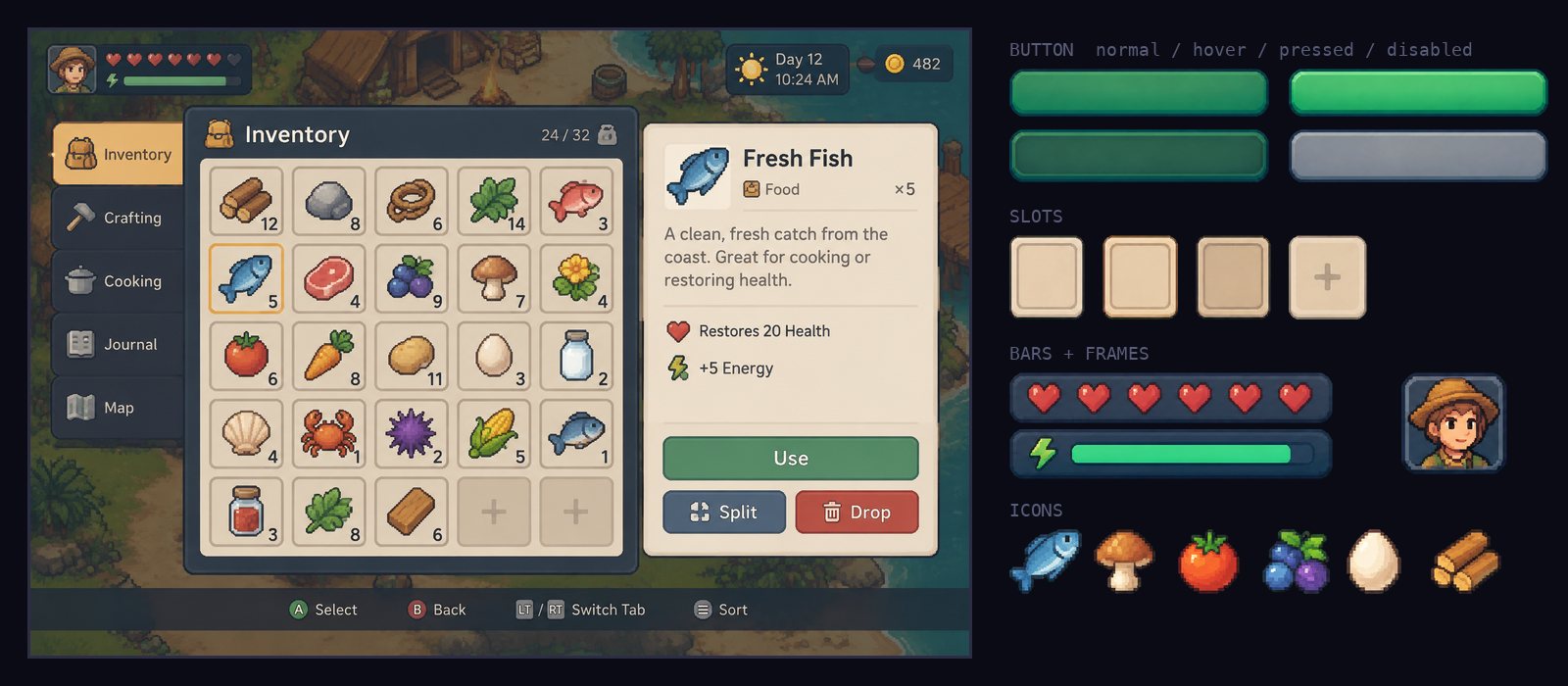
One screen in, a kit out
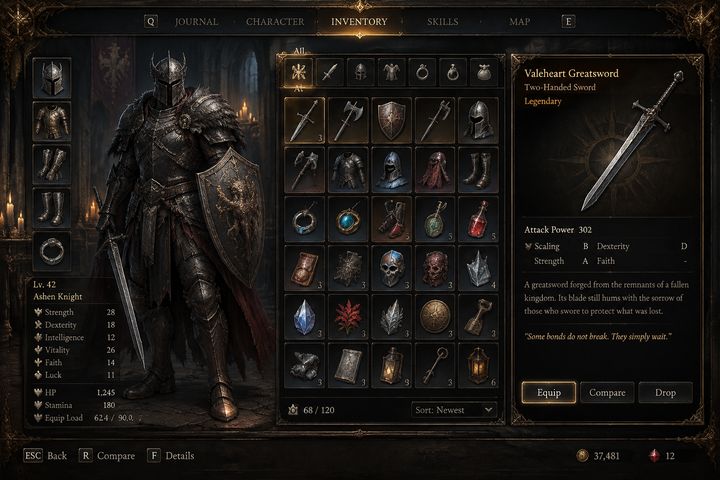
The inventory above came from one sentence. SpriteLab drew the screen, planned every piece it needs, redrew those pieces on clean sheets, then cut out, named and grouped all 57 of them. The labels are left off the buttons, so you put your own text on in the engine.
- Every state. Buttons and slots come as normal, hover, pressed and disabled, drawn to match, so a state swap doesn't jump.
- 9-slice borders on panels, buttons and bars, suggested from the art and editable with live drag-to-stretch. New to it? How 9-slice UI works.
- Engine files: a Godot 4 theme, a Unity package, a packed atlas with JSON, a web loader and plain PNGs at 1x to 4x.
- HD or pixel art. HD by default, or flip on Pixel art to get every piece on a real pixel grid with one shared palette.
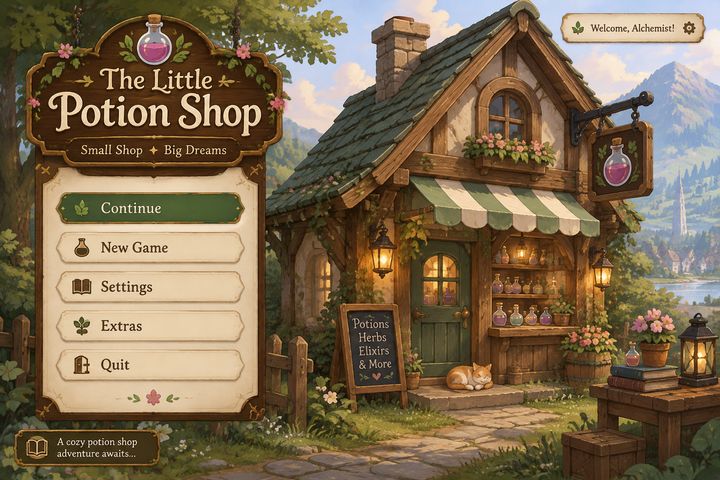
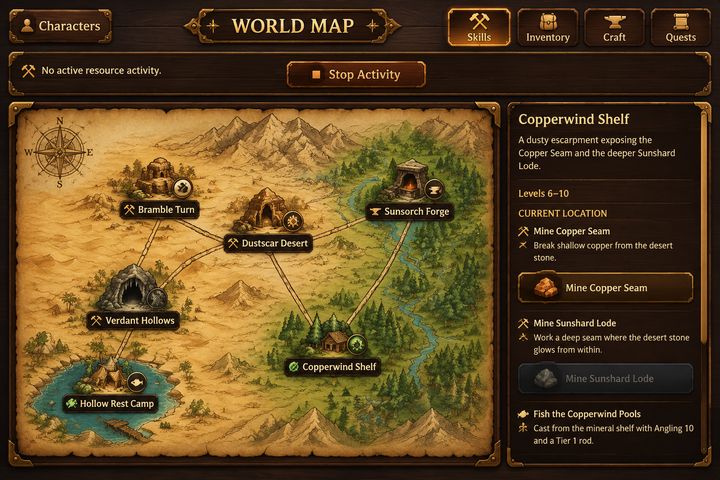
Any genre, any screen
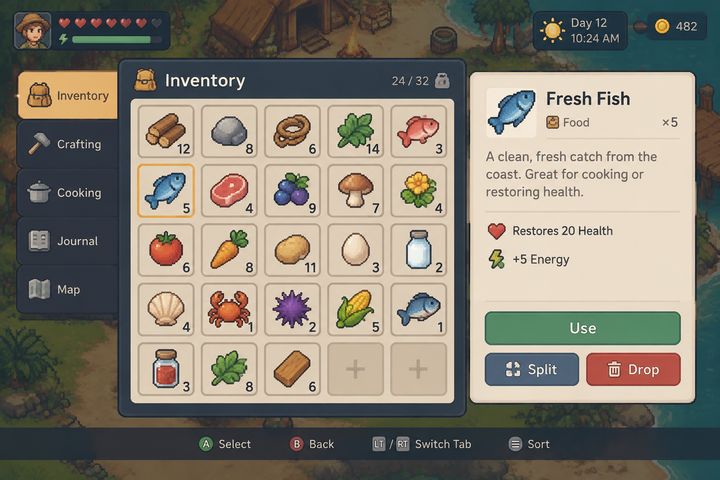
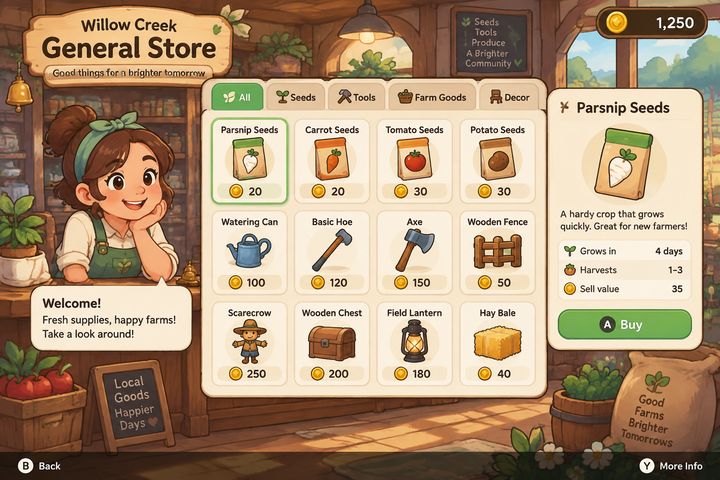
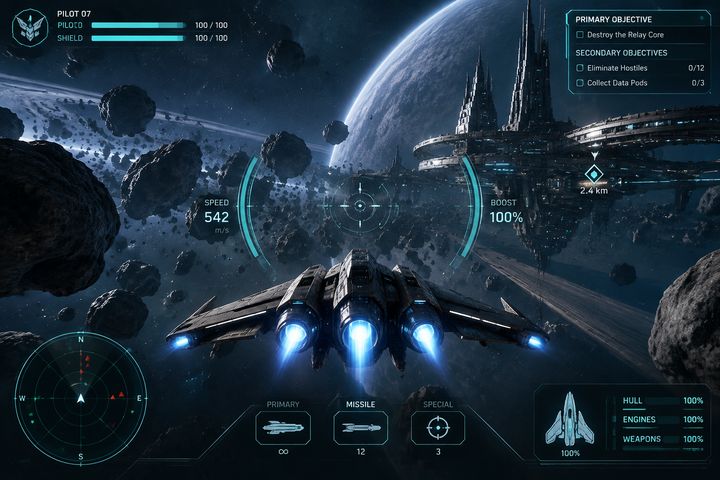
Each of these started as one line of description. There are six style presets to start from, or describe your own look, or upload a mockup.
How it works
- Open UI Kit in the app (it has the EARLY ACCESS tag). Start from a style preset, describe your own, or drop in a mockup.
- Pick the screen (main menu, inventory, shop, HUD and so on) and describe your game in a line.
- Generate a concept and pick the one you like.
- It plans every piece the screen needs and draws them on clean sheets.
- Pieces are cut out, named and grouped automatically. Fix anything with select, add, merge and delete.
- Check the 9-slice borders by dragging the stretch preview, then download the kit.
Need the next screen? Pick it from the export page and it carries the same style over, so your menu, HUD and shop all match.
Pricing
| Step | Standard | Higher detail |
|---|---|---|
| Concept (or refine / polish) | 3 CR | 8 CR |
| Component sheet | 8 CR | 15 CR |
| Planning, slicing, naming, 9-slice, exports | free | free |
A typical kit is a concept plus two sheets, about 19 credits. Uploading your own mockup skips the concept. The free plan's 25 starting credits cover a full kit. Building tools on top? It's in the API and the MCP server too.
Pairs well with
A kit needs a game around it. Make the animated characters, a tileset for the world, and item packs to fill those inventory slots.
Frequently asked questions
What's in a UI kit?
Every piece the screen needs, cut out on transparent backgrounds: panels, buttons with hover, pressed and disabled states, bars, slots, frames, tabs and icons. Each piece is named and grouped by family, with 9-slice borders where it makes sense. You also get the concept image, a packed atlas and the engine files.
Does it work with Godot and Unity?
Yes. The download has a Godot 4 theme (theme.tres with StyleBoxTexture per scalable piece, plus button scenes) and a Unity package with the sprites imported and their borders set. There's also a packed atlas with TexturePacker JSON and plain PNGs for any other engine.
Can it make pixel art UI?
Yes. Kits are HD by default. Turn on Pixel art and every piece is converted onto a true pixel grid with a shared palette, with a pixel size slider.
Can I start from my own mockup or sketch?
Yes. Upload a screenshot, mockup or rough sketch and it becomes the concept. That skips the concept cost, so you only pay for the component sheets.
Which screens can it make?
Main menu, HUD, pause, settings, inventory, dialogue, shop, quest log, character select, map and game over, or describe your own. Once you have one screen, the next screen reuses the same style.
How much does a UI kit cost?
A concept is 3 credits (8 on the higher-detail model) and each component sheet is 8 credits (15). A typical kit is a concept plus two sheets, so about 19 credits. Slicing, naming, 9-slice borders and every export are free. It works on the free plan.
Is it finished?
It's in early access, so expect rough edges and tell us on Discord when something breaks. The kits themselves are complete and export as normal files you own.
Build the UI for your game
Describe a screen, get a named, sliced kit with Godot and Unity files.
BUILD A UI KIT 25 free credits + 5 daily. No card needed.